Build, test, and explain
Students build, test, and explain something of their own instead of only watching lessons.
Self-paced computer science for homeschoolers
Coding, engineering, and game development, taught self-paced online. Every course ends in a real project — a published Roblox game, a working Minecraft machine, a program they wrote.
ESA, scholarship, and tax-credit guidance varies by state. The relevant program or tax authority decides what it will fund.

Four self-paced courses. Compare the skills, the finished project, the format, and the price before you choose.
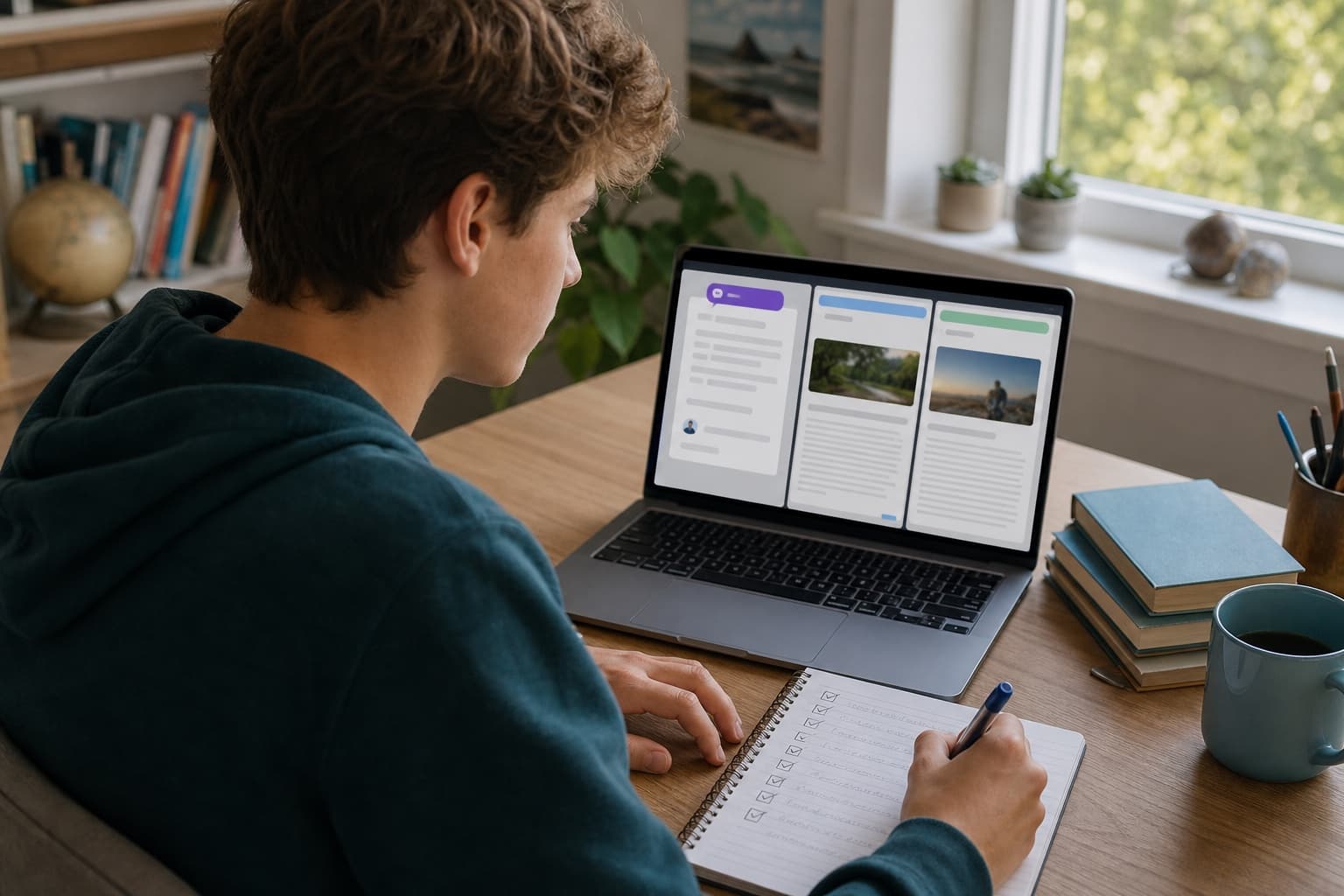

Research / Fact-checking / Privacy
Finish with documented final project
Self-paced online · Grades 6 to 12
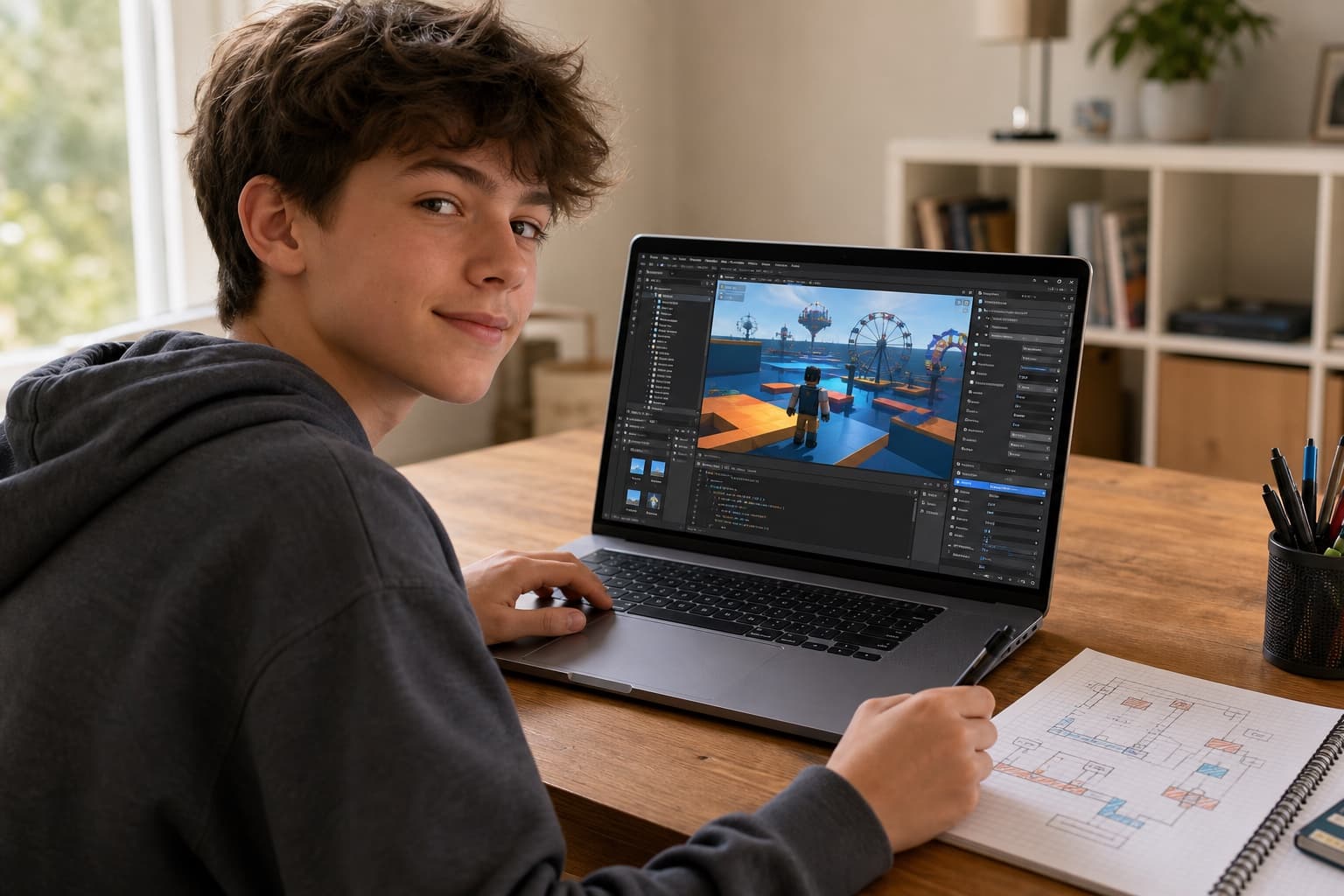
Game design / Scripting / Publishing
Finish with published roblox game
Self-paced online course
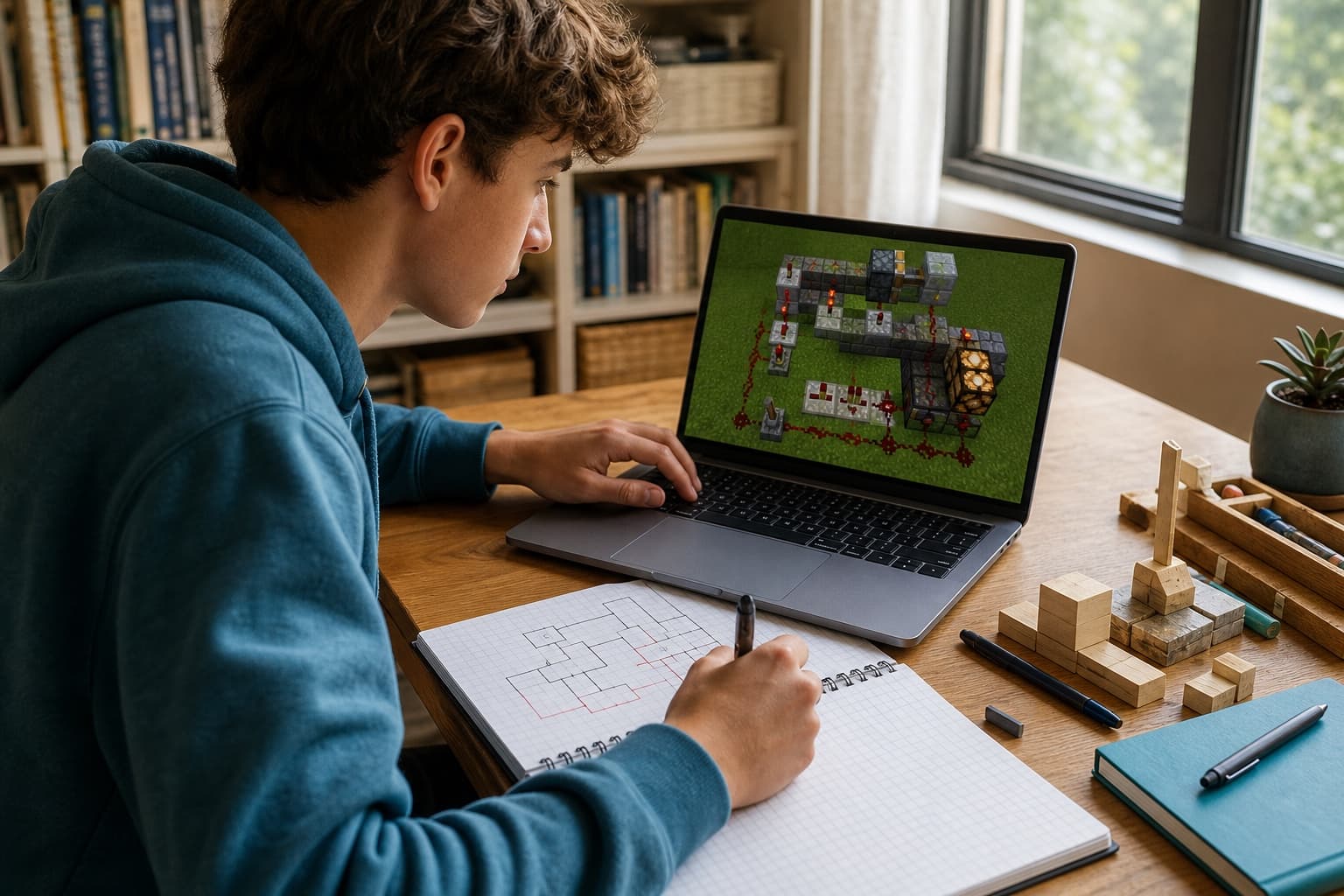
Redstone / Circuits / Coding
Finish with capstone engineering build
Self-paced online · Beginner coding
Scratch / Python / Debugging
Finish with project portfolio
Self-paced online · Grades 3 to 8
Pizuki turns a familiar interest into work a learner can finish, discuss, and keep building on.
Students build, test, and explain something of their own instead of only watching lessons.
Finish with a documented AI project, a published Roblox game, or a Minecraft engineering capstone.
Start anytime, replay guided lessons, and move at the learner's pace without a live class schedule.
Keep students, orders, and available purchase documents organized in one parent account.
Learners choose a goal, follow guided lessons at their own pace, and finish work they can show and explain.
Pick.
Start with Roblox, Minecraft, coding, or AI and a result they already want to reach.
Make.
Use guided lessons, exercises, and project decisions to turn interest into practical skill.
Show.
Walk through a documented AI project, published game, or engineering capstone and the thinking behind it.
Example workspace preview
Learning Studio
Parent account
Keep each child's grade and optional program state in a separate record before checkout.
Student record A
Grade and program state
Student record B
Grade and program state
Records connected to your account
Open an order to see its status, purchase details, and current next step.
View an available itemized paid-order document or invoice from its order.
Parent account and course records
See what your child is working toward, keep each learner's purchases separate, and open the documents available for an order.
Every course states the project a learner is working toward.
Each course ships a syllabus, learning objectives, and scored work.
Separate student records keep each child's order connected to the right learner.
Completed card orders can include an itemized paid-order document. Invoice-based orders provide their available invoice.
State-funding status today
4
states with live program-funded checkout
Pizuki maintains 20 state guides with checked dates and official program links. Your state guide walks through the exact steps before you buy; the relevant program administrator or tax authority makes the final decision.
ESA, scholarship, and tax-credit guidance
State programs use different rules and payment processes. Pizuki currently shows what is verified, what is still onboarding, and what needs a program check. The relevant program or tax authority makes the final decision.
4 program-funded checkout paths are currently enabled. State guides are reference information, not a promise of approval or payment.

Live — pay with ESA funds
Pizuki is an approved Arizona ESA vendor on ClassWallet. Check out with your program funds; ADE reviews each purchase against its current rules.

Live — pay with EFA funds
Pizuki is an approved CSF NH education service provider. Pay through ClassWallet Pay Vendor with your Education Freedom Account.

Live — pay with CHOOSE Act funds
Pizuki is an approved CHOOSE Act education service provider. Pay through ClassWallet Pay Vendor with your CHOOSE Act award.

Live — pay with ESTF funds
Pizuki is an approved ESTF education service provider. Pay through ClassWallet Pay Vendor with your Education Scholarship Trust Fund award.
Official-source guides
More states are coming soon as each program approves Pizuki. Until then, use the guides to check the current eligibility and purchase route for your state.
See state guidesLearning should respect a child's curiosity and a parent's judgment while producing work both can understand.

Interest is a serious starting point. Young people should have a say in what they learn to make.
Families choose the fit, pace, and purchase. A state program decides only what it will approve.
AI and game platforms are tools for research, logic, design, and creation, not the point of the lesson.
A finished project matters more when a learner can show the choices and thinking that produced it.
Course fit, family records, state approval, and what happens after a purchase.
AI Skills for Students is built for grades 6 to 12. Roblox Game Development fits ages 10 to 15, and Minecraft Engineering and the coding track both fit grades 3 to 8. Each product page lists its current learner and format details.
Yes. The AI, Roblox, and Minecraft focus courses use self-paced online lessons. Course access is delivered after payment clears.
AI Skills ends in a documented final project. Roblox works toward a published game, and Minecraft finishes with an engineering capstone build.
Parents can keep separate student records, review purchases and orders, and open available paid-order documents or invoices, all from one parent account.
Completed card orders can include an itemized paid-order document. Invoice-based orders expose an invoice when one is available. Structured course documentation includes a syllabus, objectives, and an assessment where applicable.
Pizuki cannot promise that. Program-funded checkout is live in Arizona, New Hampshire, Alabama, and South Carolina, with more states coming soon. A guide or document never guarantees eligibility, direct payment, reimbursement, or a tax credit. The relevant program administrator or tax authority makes the final decision.
Refund terms depend on the product and timing. Read the current refund policy, then email support@pizuki.com or call (702) 907-4933 with your order number.
Compare project-led learning first, then check the state guidance that applies to your family.